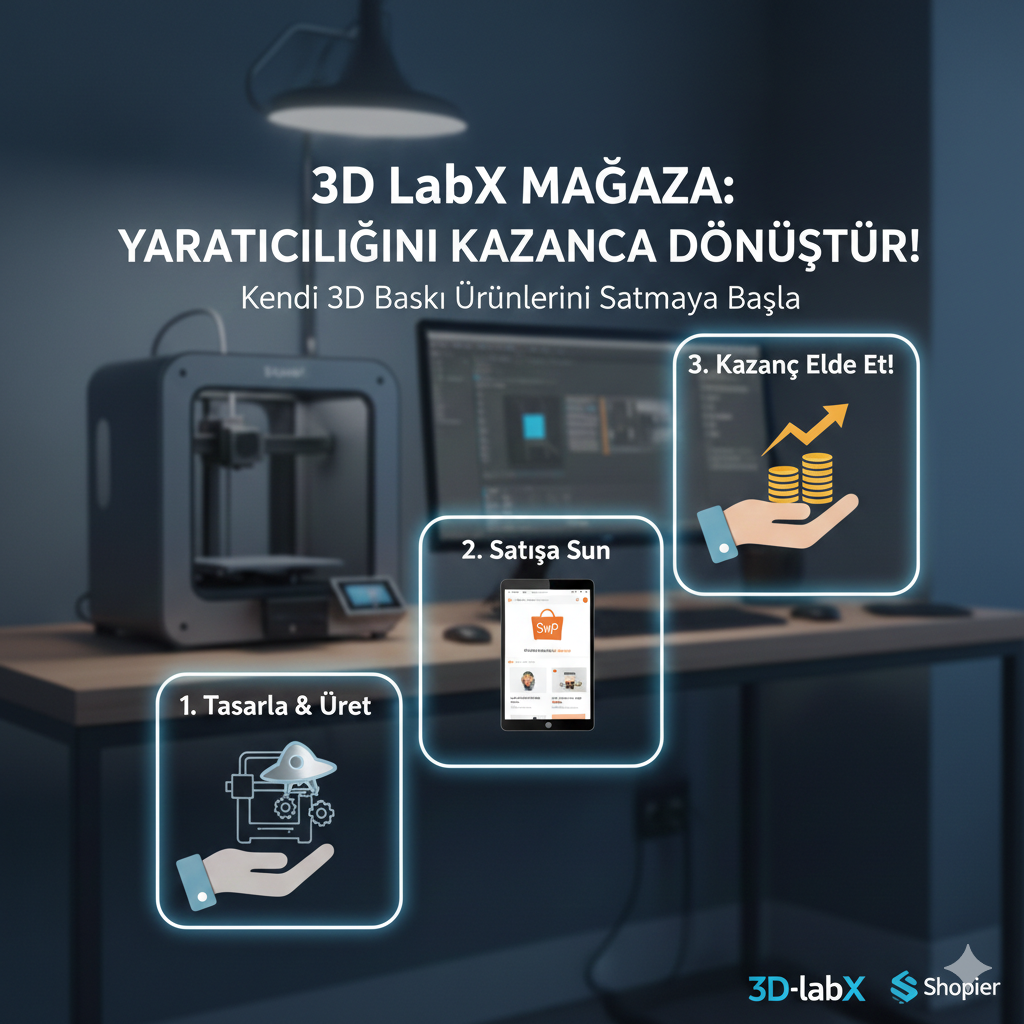
What is 3D-labX Store?
3D-labX Store is a marketplace where community members can sell their 3D printed products.
How Does It Work?
1. Create a Shopier Account
Create a free seller account at shopier.com.
2. Create Products on Shopier
- Go to the 'Add Product' section
- Upload product photos
- Set the price
- Configure shipping options
- Publish the product
3. Add to 3D-labX Store
- Go to magaza.3d-labx.com
- Log in with your 3D-labX account (your account on the main site)
- Click the 'Add Product' button
- Fill in the product details
- Paste the Shopier product link
- Submit!
4. Approval Process
Your added products will become visible in the store after administrator approval. This process is usually completed within 24 hours.
What Products Can I Sell?
- Lamps and lighting products
- Decorative objects
- Figurines and collectibles
- Functional parts
- Gifts and accessories
- Toys
Pricing
- Exhibition on 3D-labX Store: Completely FREE
- Sales commission: 3D-labX does not take any commission
- Shopier commission: Shopier's own standard rates apply
Frequently Asked Questions
Do I log in with a single account?
Yes! You can log in to the store with your account from the main site (3d-labx.com).
How do I receive payments?
All payments are made through Shopier. You can withdraw the amount deposited into your Shopier account to your bank account.
How is shipping handled?
Shipping is entirely your responsibility. You can choose a shipping company through Shopier or use your own contracted shipping service.
Get Started Now!
- Create an account on Shopier: shopier.com
- Go to 3D-labX Store: magaza.3d-labx.com
- Add your first product!